


Energy on mobile – what to expect from the browser experience in 2026
















Where the small screen bites first
Before anything else: Energy does not list a native iOS or Android application anywhere on its platform, so everything described on this page happens inside a mobile browser. That means one less download and no storage concerns, but it also means a few trade-offs are baked in from the start. We ran through those below, so you know what you are walking into before you open a tab.
The live dealer section is the area that feels most compressed on a small screen. Over 250 live tables are available – a genuinely large spread – but the multi-camera angles and the chat panel that enhance the desktop experience get squeezed down considerably on a 6-inch display. Nothing breaks; it just demands a bit more patience with navigation. Table game layouts with multiple side-bet fields can be similarly fiddly, and the on-screen betting grid benefits from a moment's zoom before you place anything.
The responsible-gambling controls – deposit limits, session timers, self-exclusion – are all present and reachable through the account menu on mobile, but they sit a couple of taps deeper than on desktop. Worth locating them before your first session rather than hunting for them mid-play.
Energy and the app question
Energy runs as a browser-based platform. There is no dedicated application to install, no APK to sideload, and no store listing to hunt for. What you get instead is a site that loads in Chrome, Safari, Firefox or any other modern mobile browser without needing anything extra from your device. For the majority of players that is a perfectly workable setup – one URL, the same login you use on a desktop, and no update prompts.
If you bookmark the operator's address to your home screen, the icon behaves much like an app shortcut and the experience is close to what a lightweight app would deliver. It is not a progressive web app in any technical sense, but day-to-day it covers the gap.
Getting around on a phone
Reaching the site from a phone takes four steps:
- Open your preferred mobile browser and navigate to the Energy platform's address.
- Sign in with your existing account credentials – the same username and password as on desktop.
- If you are new, the registration form is fully functional on mobile: identity details, date of birth, address, email and a password, then a single checkbox confirming you are 18 or over.
- Once inside, the main menu collapses into a hamburger icon; tap it to reach Slots, Live Games, Table Games, Jackpots, Megaways, Bonus Buy, the cashier and account settings.
The cashier handles deposits and withdrawals with the same methods available on desktop – Visa, Mastercard, PayPal, Skrill, Neteller, Trustly, and others. Card deposits clear in real time; withdrawals are processed within three business days. The closed-loop rule applies on mobile exactly as it does on desktop: funds go back to the method they came from.
What holds up on a smaller display
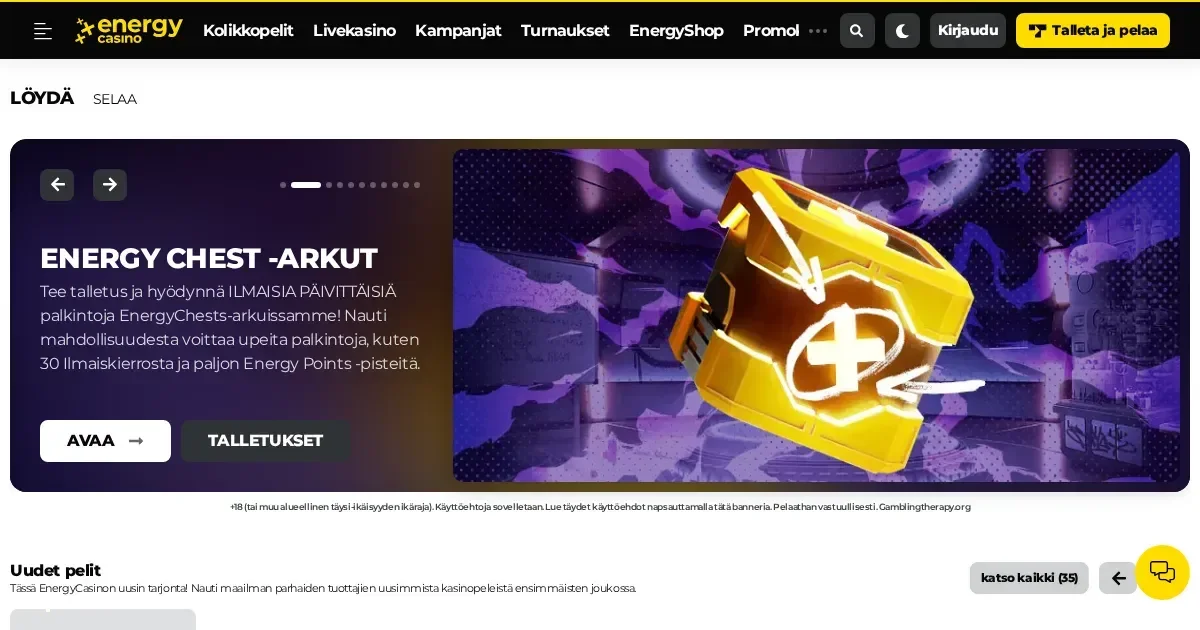
The Energy slot library – over 3,000 titles – navigates well on a touchscreen. Filters for Megaways, Jackpots and Bonus Buy games work as expected, and the search bar is the quickest route to a specific title. The EnergyChests daily feature and the EnergyShop for spending loyalty points are both accessible through the account section without needing a desktop switch.
Live chat support (Monday to Friday 09:00–23:00 CET, weekends 12:00–20:00 CET) opens in an overlay that works fine on mobile, though the narrower hours on weekends are worth knowing if you tend to play in the evenings.
A short checklist before your first mobile session
- Use a secure connection – a private Wi-Fi network or your mobile data; avoid open public hotspots when the cashier is involved.
- Set your limits first – deposit, loss and session-time controls are available in your account; configure them before you start, not after.
- Sign out on shared devices – Energy's account carries real-money balance; a logged-in session on a tablet or phone used by others is a real risk.
- Double-check the address bar – reach the operator's platform through your own bookmark or a trusted link, not a search result you have not verified.
Keeping it in check wherever you play
Gambling from a phone makes it easier to play in places and at times you might not choose at a desktop – a quick spin on a commute, a few hands at lunch. That convenience is real, but so is the risk of losing track of time and money. The session-time limits and reality-check reminders available in the Energy account are worth switching on before you play rather than after a session runs longer than intended.
If you share your device with anyone under 18, parental-control software such as Net Nanny or Qustodio can block access to gambling platforms at the device level. For broader support, GamCare runs a free 24/7 helpline on 0808 8020 133, and BeGambleAware offers confidential guidance online. 18+
This page is provided for information and marketing purposes only. We are not a gambling operator, bookmaker or organiser of betting or gaming activity. This site is restricted to visitors aged 18 and over (18+). Free, confidential support with gambling is available at BeGambleAware.org.
Last updated:
Frequently asked questions
Is there an Energy app I can download on my phone?
Energy does not offer a dedicated iOS or Android app. The platform runs entirely through a mobile browser, so you load it the same way you would any website – no download or installation required.
Can I deposit and withdraw through the mobile site?
Yes. The cashier is fully functional on mobile and supports the same payment methods as on desktop, including cards, e-wallets and Trustly. Card deposits process in real time; withdrawals take up to three business days.
Do I need a separate account to play Energy on my phone?
No. Your existing Energy account works on mobile without any extra steps. Simply open the site in your mobile browser and sign in with the same credentials you use on desktop.
Are live dealer tables available when playing from a phone?
All live tables are accessible from a mobile browser, though the interface is more compact than on a larger screen. Over 250 live tables are available, but multi-camera views and side panels are reduced on a small display.
Game Providers